

Upwork Connects Strategy: When to Spend Them (and When to Save)
Spend Upwork connects wisely: vet jobs fast, spot red flags, prioritize ROI, and pair your bidding strategy with better proposals—not more spam volume.

Upwork connects are not just platform currency—they are a forcing function. They make you ask: Is this job worth my attention, my time, and my reputation? If you treat connects like unlimited Monopoly money, you will burn out and train yourself to apply poorly.
This article is a practical connects strategy for freelancers who want more interviews per connect spent—not more noise.
The real goal: higher ROI per application
Most freelancers optimize the wrong number: applications sent per week.
Better metrics:
- Reply rate (clients responding)
- Interview rate
- Win rate (offers / interviews)
Connects should push you toward fewer, stronger applications. If your strategy increases volume but decreases quality, your ROI drops even if you “feel productive.”
A 5-minute job vetting checklist (before you spend)
Use a checklist so you stop deciding emotionally after reading a tempting title.
- Fit: Can you deliver the outcome with your current skills and proof?
- Clarity: Is the scope describable, or is it a vague “build me an app” post with no constraints?
- Client signals: Payment verified? Hiring history? Feedback patterns? (Interpret carefully—new clients can still be great.)
- Budget realism: Does the stated budget match the described work? If not, is there room to negotiate—or is it a mismatch?
- Competition proxy: Proposals already hired? Too many applicants? Not always dealbreakers, but context matters.
If you cannot pass fit + clarity, seriously consider skipping—especially when connects are expensive.
When spending connects is usually worth it
Spend confidently when:
- The job maps to a case study you can cite immediately.
- The client provides specific requirements (assets, stack, timeline, examples).
- You can propose a clean milestone that de-risks the engagement.
- You are applying early enough that your proposal is likely seen (not a guarantee, but timing helps).
When to save connects and walk away
Be cautious when:
- The post reads like unpaid spec work disguised as a contest.
- The client demands free trials for complex deliverables with no clear contract path.
- The scope is enormous but the budget is tiny with no explanation.
- You need the job so badly that you are about to lie about experience. (That is a hard no.)
Saving connects is part of strategy—not weakness.
The “one strong angle” rule
Before you apply, you should be able to answer:
- What is my single strongest reason I am a match?
- What is the one proof point I will lead with?
- What is the first milestone I recommend?
If you cannot answer those quickly, you are not ready to spend connects— you are ready to keep reading or move on.
Competition: should you avoid crowded posts?
High proposal counts can mean the job is attractive—or that it is a spam magnet. Use the post quality and client seriousness as the tie-breaker, not only the number of applicants.
A highly relevant freelancer can still win crowded posts if the proposal is sharply tailored. But if you are early-career and the post is generic, a crowded listing is often a worse bet than a niche job with fewer applicants.
Budget tactics that are not “race to the bottom”
If connects are tight:
- Prioritize jobs where you can demonstrate outsized value (your specialty).
- Consider smaller engagements that convert faster.
- Improve your proposal quality so you need fewer attempts—this is the highest ROI lever.
Pair connects strategy with a better workflow
The freelancers who win consistently usually have a system:
- Curate opportunities (filters, alerts, saved searches).
- Capture job details quickly.
- Draft from structured notes rather than from scratch every time.
That is where tools help: a browser extension for capturing context, a dashboard for tracking what you applied to, and templates that stay customizable—not robotic.
Automation should support decision-making, not replace it.
Track your spend like a marketer
Keep a simple log for two weeks:
- Job title / category
- Connect cost
- Reply? Interview? Hired?
Patterns will emerge: which niches repay your effort, which hooks get responses, which job sources waste time. Adjust your spending accordingly.
Connects + competition: when to still apply
High competition is not automatically a “no.” It depends on:
- How differentiated you are in that niche
- How bad the average proposal is (often worse than you think)
- How early you are in the posting lifecycle
If you are highly differentiated, a crowded post can still be worth it. If you are generic, crowded posts are expensive.
When to “pay for learning” with connects
Sometimes you spend connects to learn a market: a new niche, a new tool stack, a new client type. That is acceptable if you treat it as research:
- Write down what you learned
- Update your proof library
- Adjust your targeting next week
Learning without documentation is expensive amnesia.
Budgeting connects like a monthly subscription
If you treat connects as a monthly budget, you stop panic-spending. A simple mental model:
- 60% on high-fit “core niche” jobs
- 20% on stretch jobs that expand your skills (with honest proof)
- 20% reserved for rare opportunities (dream clients, unusually clear posts)
Adjust percentages to your situation—this is a thinking tool, not a rigid rule.
Pair connects strategy with a better proposal stack
If you are spending money on connects, you should also invest in:
- sharper hooks
- proof snippets by niche
- a repeatable intake note for each job
That is why freelancers often combine a curated job feed + structured drafting workflow. The goal is not “more applications.” It is better ROI per application.
Conclusion
Connects are a budget. Spend them on jobs where you have a sharp angle, credible proof, and a clear plan. Save them when the post is vague, the risk is high, or you are about to send a proposal you do not believe in.
The win comes from better targeting and better messages—not from out-applying everyone else.
Spending Connects well starts with seeing the right jobs early. ProposalLift's Upwork job alerts watch your saved filters, and optional AI qualification marks each job as a fit or not against your own criteria before you spend a single Connect.
Recent blog posts
 Sep 15, 2026
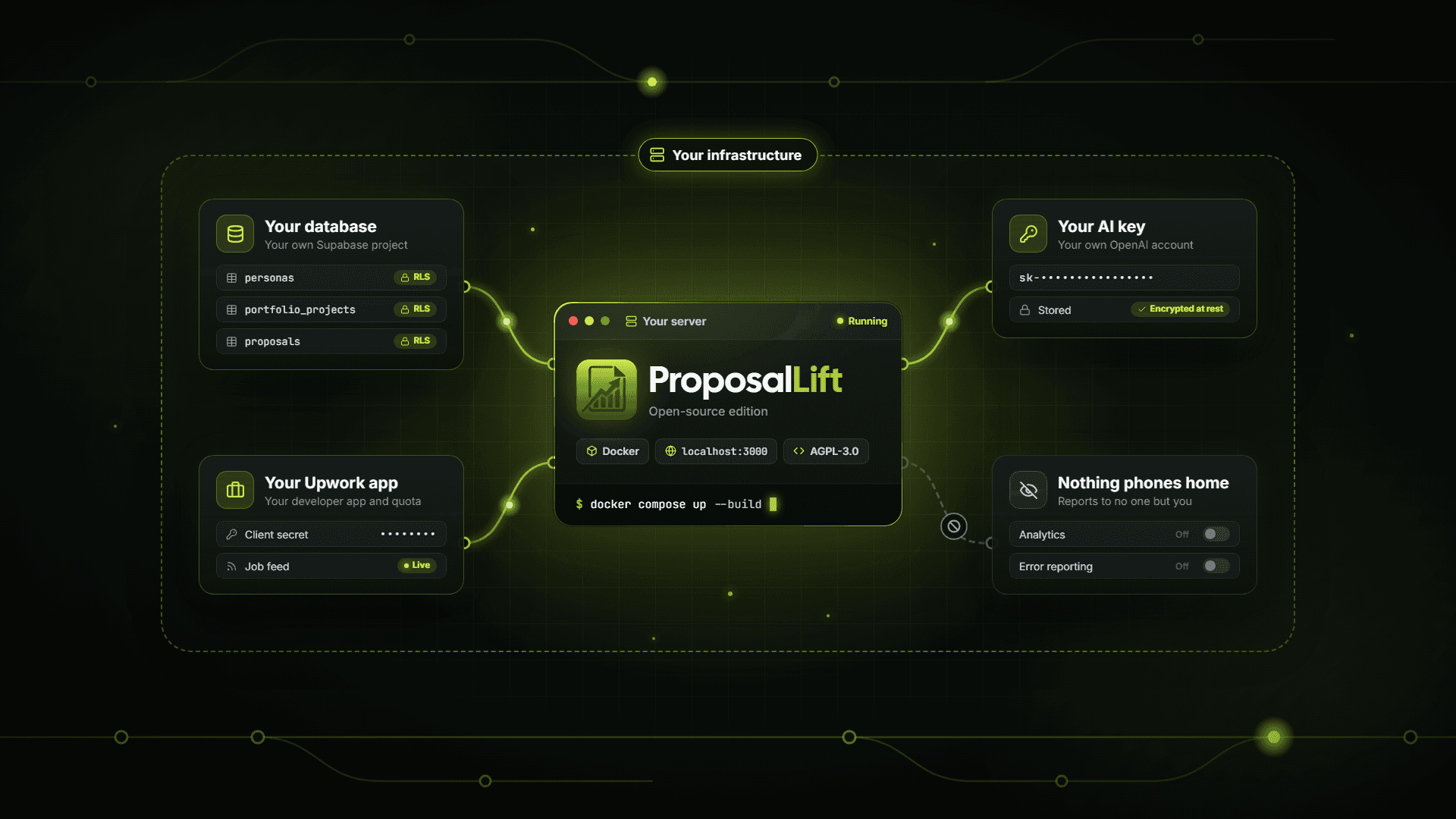
ProposalLift Open Source: A Self-Hosted AI Proposal Writer for Upwork
ProposalLift now has a free, open-source edition you can run on your own server. What it includes, how to set it up, and when hosted plans are the better fit.
 Apr 21, 2026
How to Write Upwork Proposals That Actually Get Hired (2026 Guide)
Learn how to write Upwork proposals that stand out: structure, proof, tone, and mistakes to avoid—plus a repeatable workflow serious freelancers use daily.
 Apr 20, 2026
Upwork Cover Letter Template That Converts (Copy-Paste Framework)
Use this Upwork cover letter framework: opening hook, proof, plan, and CTA—plus examples you can adapt so you sound credible, not like spam or a template.