

Upwork Job Search Tips: Find Best-Fit Jobs Faster (2026)
Search Upwork jobs smarter: filters, saved searches, red flags, niche selection, and a daily routine so you spend time on winners—not endless scrolling.

Job search on Upwork is not a motivation problem—it is a filtering problem. The marketplace is noisy, and your time is finite. The freelancers who win consistently do not see more jobs; they see the right jobs earlier and apply with sharper messages.
These tips help you build a job search system: less scrolling, better fits, higher return on effort.
Start with positioning (search follows strategy)
Before you tune filters, get clear on what you sell:
- Offer: one primary service you want to be hired for
- Proof: portfolio items that support that offer
- Boundary: what you will not do (even if you could)
If your positioning is mushy, your search terms will be mushy—and your proposals will be too.
Use negative space in your brain (and your filters)
Most people search for keywords they like. Experts also exclude what wastes time.
Examples of common exclusions (adjust to your niche):
- “test” projects that are clearly unpaid spec work
- jobs far outside your time zone if you cannot support the hours
- ultra-vague posts unless you have a strong discovery offer
Build saved searches like a product manager
Treat saved searches as experiments:
- Search A: narrow niche + required skill
- Search B: broader category but higher minimum budget
- Search C: emerging keyword set (tools, industries)
Review weekly which searches produce interviews. Kill losers, refine winners.
Budget filters: signal, not guarantee
Budget is a rough filter, not a moral judgment. Some great clients under-post budgets; some high budgets attract chaos. Use budget as:
- A rough compatibility check
- A prompt to clarify scope in your proposal
If the budget looks off, your proposal can say: “The scope described typically lands in X–Y range depending on A/B—here’s what drives cost.”
Read fast: the 30-second scan
Train yourself to scan for:
- Deliverables (what exactly ships?)
- Constraints (timeline, stack, compliance)
- Client expectations (communication, availability)
- Hidden work (integrations, content creation, maintenance)
If deliverables are unclear, decide whether you have a strong discovery offer. If not, move on.
Red flags (context-dependent, but know the patterns)
Watch for:
- Requests for free work “to prove yourself” on large deliverables
- Unrealistic timelines with no room for iteration
- Changing requirements inside the post that suggest confusion
- Anything that makes you feel you will need to argue to get paid
Red flags are not always dealbreakers—but they should change your risk posture: smaller milestones, clearer contracts, higher caution.
Green flags: what great posts often include
Strong job posts often have:
- Clear outcomes and acceptance criteria
- Relevant attachments or examples
- Reasonable questions from the client
- A sense of timeline and success metrics
These posts deserve your best proposal—not a rushed template.
Timing: routine beats random checking
Constant refreshing is exhausting. A better approach:
- 2–3 scheduled checks per day during high-activity windows for your target clients
- Immediate apply for ultra-high-fit roles
If you rely on alerts, tune them so you are not bombarded—noise causes missed opportunities.
Niche down to speed up
Paradox: narrowing your niche can increase earnings because:
- Your proof becomes more relevant
- Your searches become more precise
- Your proposals become more repeatable
You can still take adjacent work, but your default search should match your flagship offer.
Use client history as a soft signal (carefully)
Long hiring history can indicate stable outsourcing. New clients can be great too—especially if the post is detailed and funded.
Avoid using any single signal as a hard rule. Context matters.
Organize opportunities: don’t rely on memory
When you are serious, you need a lightweight CRM mindset:
- Jobs you might apply to
- Jobs you applied to
- Notes: what hook you used, what you quoted, what the client said
This is where tooling helps. A dashboard that tracks jobs and proposal variants prevents you from repeating mistakes and helps you learn what works.
Pair search with a job feed workflow
If your product stack includes a job feed view (often powered by filters and sync), use it to centralize opportunities instead of losing tabs in the browser. The goal is consistent follow-through—because the best job in the world does not matter if you never submit a strong proposal.
Example: turning a broad search into a tight one
Broad (weak): “React”
Tight (stronger): “Next.js + Stripe” + “SaaS” + minimum budget threshold + excluded keywords you hate
Tight search example: “Next.js” + “Stripe” + “subscription” + “TypeScript”
Your exact terms depend on your niche, but the principle holds: specificity saves time.
Measure what matters
Track weekly:
- Applications sent (keep this moderate)
- Interviews
- Wins
If applications rise but wins do not, your bottleneck is probably proposal quality or positioning—not job volume.
Advanced filter thinking: “signals” not “keywords”
Keywords are a starting point. Signals are what you learn to recognize over time:
- clients who describe workflows vs clients who only list desires
- posts with assets vs posts with nothing to work from
- buyers who understand tradeoffs vs buyers who want “everything fast cheap perfect”
Your saved searches should evolve as you learn these signals.
When to broaden search vs narrow it
Broaden when:
- your niche is too small and you are starving for opportunities
- you have transferable proof you are underselling
Narrow when:
- you get volume but low reply rates
- you attract wrong-fit invites and spammy messages
Positioning is a dial, not a tattoo—adjust as your proof improves.
Job search fatigue: protect your attention
Scrolling is cognitively expensive. A few rules:
- set a timer for browsing sessions
- shortlist first, apply second
- do not apply when you are exhausted—your proposals will regress to generic defaults
If you use alerts and a centralized feed, you reduce compulsive checking and improve focus time.
Conclusion
A smarter Upwork job search is mostly better filtering, better timing, and better notes. Narrow your positioning, build saved searches like experiments, scan posts with a checklist, and organize opportunities so you can learn. Do that and you will spend less time scrolling—and more time talking to clients who actually fit.
If you want saved searches that come to you instead of waiting to be checked, ProposalLift's Upwork job alerts watch your filters, add signals Upwork search does not offer (such as competition level and excluded keywords), and alert you when a new match appears.
Recent blog posts
 Sep 15, 2026
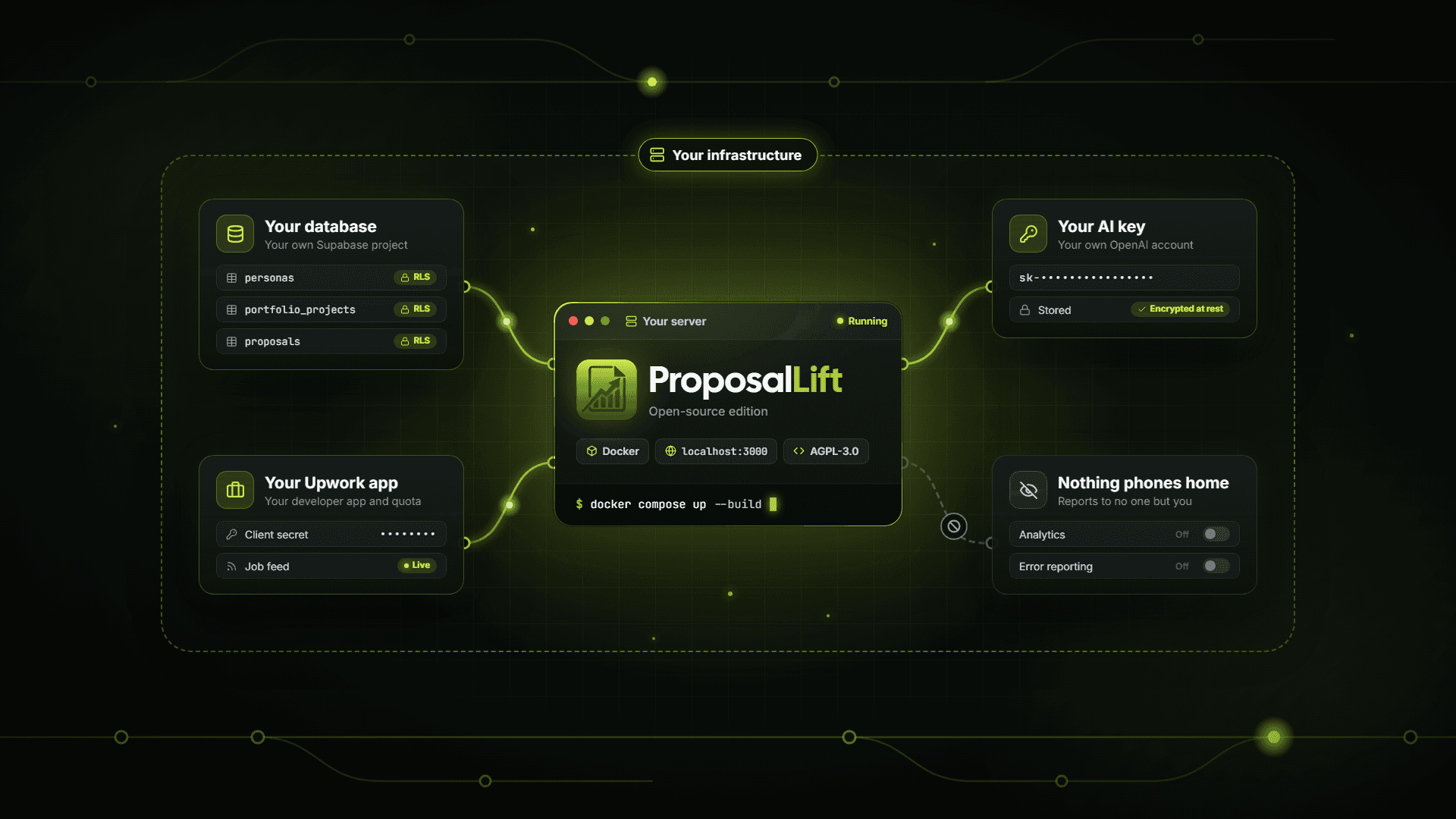
ProposalLift Open Source: A Self-Hosted AI Proposal Writer for Upwork
ProposalLift now has a free, open-source edition you can run on your own server. What it includes, how to set it up, and when hosted plans are the better fit.
 Apr 21, 2026
How to Write Upwork Proposals That Actually Get Hired (2026 Guide)
Learn how to write Upwork proposals that stand out: structure, proof, tone, and mistakes to avoid—plus a repeatable workflow serious freelancers use daily.
 Apr 20, 2026
Upwork Cover Letter Template That Converts (Copy-Paste Framework)
Use this Upwork cover letter framework: opening hook, proof, plan, and CTA—plus examples you can adapt so you sound credible, not like spam or a template.